In this article
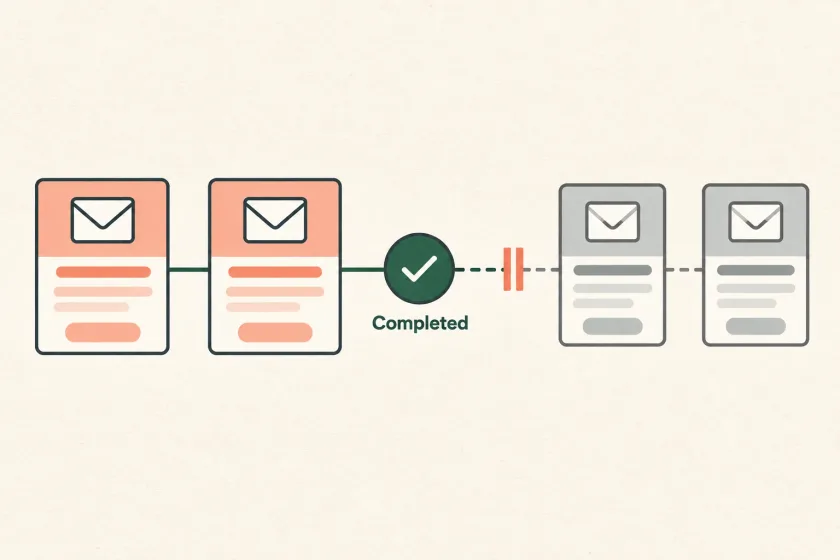
An onboarding email sequence needs an entry trigger, a purpose for each message, and an exit rule based on the user’s current product state. Recheck those rules when each send becomes due, cancel unnecessary reminders, and keep retries from creating duplicate journeys.
Otherwise, someone can create their first project at 9:00 and receive a reminder to create it at 9:05. The email arrived on schedule, but the experience failed. A delay should create an opportunity to evaluate the next message, not a promise to send it regardless of what happens in the meantime.
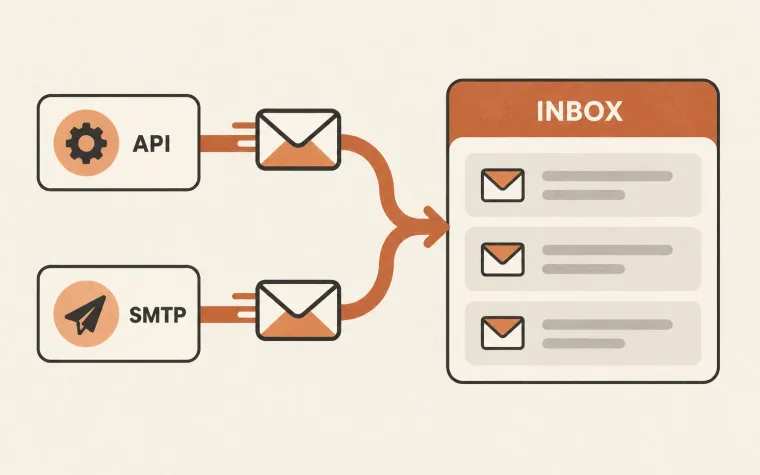
Resend’s April release, Introducing Automations, reflects the growing role of events and conditions in lifecycle messaging. The design below lives in your application or orchestration service and can use an email provider for delivery. It does not assume SendMero has a native workflow builder.
Write the exit rule before the copy
For each message, name a specific behavior it is intended to help. Then identify the application state that makes the message unnecessary.
Imagine a collaborative document app with three onboarding messages:
| Message | Eligible when | Stop when |
|---|---|---|
| Create a document | Account exists and no document exists | First document is created |
| Invite a teammate | A document exists and workspace has one member | Another member joins |
| Choose a plan | Trial is active and product use justifies the reminder | Workspace upgrades, trial ends, or account closes |
The exit conditions should describe facts in your product, not just email activity. Opening a reminder does not prove that a document was created. Conversely, creating a document makes the reminder unnecessary even if the user never opened the earlier email.
Also define whether a person can re-enter the sequence. Deleting their first document should not automatically restart the original welcome flow unless you deliberately designed that behavior.
Separate enrollment from a scheduled send
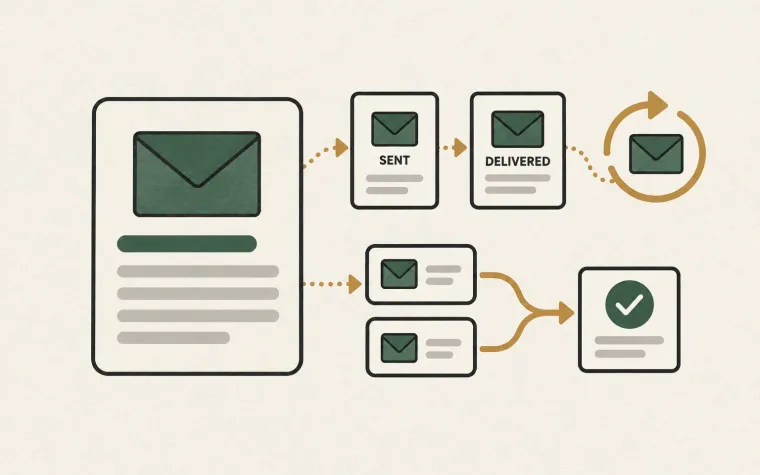
Keep an enrollment record for the user’s journey and a separate record for each proposed message. The enrollment tracks why the user entered, its version, and whether it is active or complete. The message record tracks the step, due time, eligibility decision, and submission outcome.
This separation prevents a canceled message from looking like a transport failure. It also lets you explain why an email was skipped without pretending every skipped message is an error.
A useful application record might contain:
enrollment: workspace_27 / onboarding_v3
step: invite_teammate
due_at: scheduled timestamp
status: canceled
reason: second_member_joined
evaluated_at: decision timestamp
These are illustrative application fields, not a SendMero API schema. Store identifiers and decision evidence; avoid putting unnecessary personal data into the orchestration log.
Check eligibility again when work becomes due
When the scheduled time arrives, reload the relevant workspace and subscription state. Do not trust the snapshot captured when the job was created. An account can upgrade, close, unsubscribe from a message category, or change ownership during a delay.
The provider-independent decision can be expressed as:
when a step becomes due:
    claim the pending step once
    load the current enrollment and product state
    if the journey ended or the message is no longer eligible:
        record the cancellation reason
    otherwise:
        reserve a unique message intent for this enrollment and step
        make the intent available to the delivery worker
Enforce uniqueness in persistent storage, not only in a process’s memory. Two workers can wake up for the same step, and a restarted process should not forget that it already created the intent.
Keep the delivery worker responsible for its own final suppression and eligibility check as close to submission as practical. Passing a check at scheduling time is not sufficient authorization to send days later.
Handle the race at the boundary honestly
There is still a narrow interval between the final application check and the provider accepting the email. A user may complete the action during that interval. Local transactions cannot make an external email submission atomic with every product change.
Reduce the interval, process completion events promptly, and cancel pending work. Once a message has been accepted for delivery, do not assume it can be recalled. Design the copy to remain useful if it arrives just after completion: “If you haven’t invited your team yet…” can age better than a categorical claim that the user has not done so.
For consequential reminders, consider a short settling period after the due time or a stronger coordination mechanism in the application. Weigh that additional delay and complexity against the harm of an occasional stale message. A welcome tip and a payment notice need different decisions.
Keep retries separate from new journeys
A failed submission should retry the same message intent. It should not enroll the user again or generate a fresh sequence. Likewise, processing the same signup event twice should not create two enrollments.
Use a stable event identifier and a journey version to recognize duplicates. Decide explicitly how a new version applies: existing enrollments can finish their original version, or you can migrate them with a documented mapping. Silently changing the meaning of step two makes both debugging and measurement confusing.
If a submission times out, treat the result as uncertain until you can reconcile it. A blind resend may produce duplicates. This is one reason to keep intent identifiers and provider message identifiers linked in your application’s records.
Test the exits as carefully as the happy path
Exercise the sequence with a fictional account that completes each action immediately before its reminder. Then repeat with duplicate events, delayed events, a closed account, and two workers claiming the same step.
Review the cancellation reasons as a product signal. If nearly everyone completes a task before its reminder, the delay or message may be unnecessary. If many accounts become ineligible because ownership changes, the recipient-selection rule deserves attention.
Apply the accessible-template checklist to each step, then connect delivery using the SendMero documentation. For broader operational controls, use the same intent and review principles described in email operations automation.