In this article
A user disables email tracking at 10:00. Your campaign worker loaded the recipient list at 09:55 and sends the message at 10:05 with tracking still enabled. The settings page worked, but the system did not honor the choice.
Evaluate open and click tracking preferences immediately before sending, map them to supported provider controls, and apply the relevant policy when events enter reports. These decisions span rendering, queue workers, delivery services, and analytics; a settings checkbox alone cannot enforce them.
Recent scrutiny makes this engineering gap especially relevant. Twilio’s September article on tracking pixels in Italy discusses changing expectations around disclosure and consent. This guide focuses on implementing a policy your organization has defined; it does not interpret which legal requirements apply to a particular sender.
Represent separate decisions separately
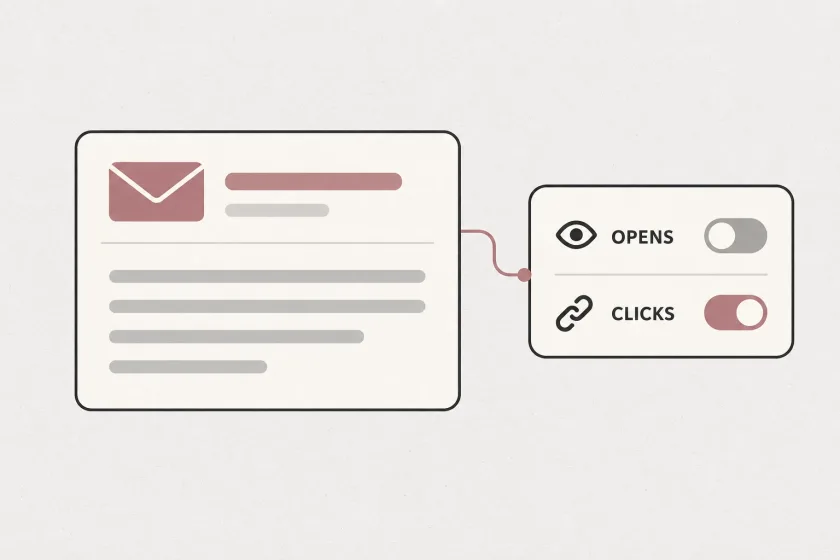
Avoid a single email_enabled field. Receiving a product newsletter, measuring an open, and measuring a clicked link are different product choices. If your policy distinguishes them, your application needs enough state to preserve those distinctions.
A minimal conceptual record could contain a recipient identifier, message-category preference, open-tracking preference, click-tracking preference, policy version, effective timestamp, and record version. These are suggested application fields, not provider API parameters.
Define the meaning of a missing value. Do not let each service invent its own default. Decide which system owns the record, which systems may update it, and how a preference becomes effective for queued work.
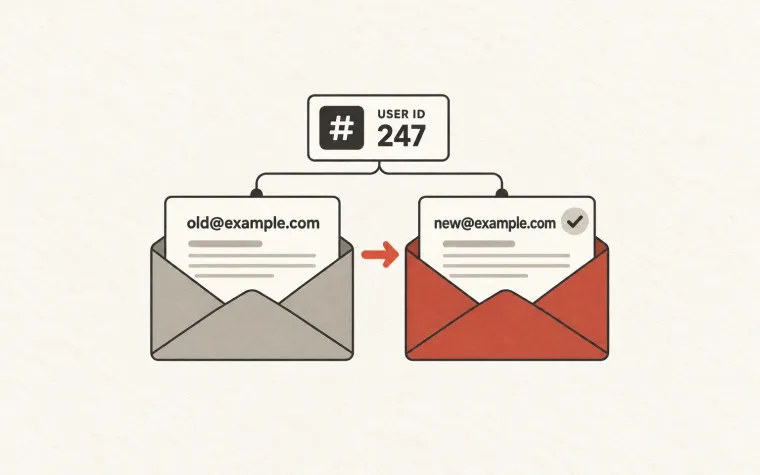
Also distinguish a preference from an address-level delivery restriction. Disabling analytics does not mean an address is undeliverable. An invalid mailbox does not establish the person’s tracking preference.
Evaluate preferences at the sending boundary
Use the latest effective preference when preparing a message for submission. A campaign audience snapshot is useful for planning who might receive a message; it should not silently freeze every later choice.
Provider-independent pseudocode:
prepare(job):
    current = preferences.load(job.recipient_id)
    policy = policies.for(job.message_category)
    decision = policy.evaluate(current, job)

    if not decision.may_send:
        record_skipped(job.id, decision.reason)
        return

    message = render(job, tracking = decision.tracking)
    record_decision(job.id, current.version, decision)
    submit_with_documented_provider_controls(message, decision)
The last function must map to controls your provider actually supports. Test that mapping. If account-level defaults conflict with per-message choices, make the precedence explicit. If the required behavior is unavailable, resolve that limitation before offering the preference in your product.
There is still a race between the final preference read and an external submission. Define that boundary honestly. Use serialization or version checks for your internal dispatch step where appropriate, and explain that already-submitted messages cannot necessarily be changed. Do not hold a database transaction open indefinitely while waiting for a network call.
Inspect the final message, not just the template
Your template may contain no tracking pixel while the delivery service adds one later. A marketing editor can also insert a measurement URL before your rendering code runs.
Create controlled test messages for each supported combination of preferences. Inspect the delivered message source for added images, rewritten links, and third-party measurement URLs. Check HTML and plain-text versions, imported templates, and any fallback path used after rendering fails.
Ordinary images and useful links need not disappear merely because tracking is disabled. The objective is to implement the stated policy accurately. Classify the resources your application inserts so engineers do not replace a precise preference with a crude “remove every image” rule.
Keep a small set of fixtures that exercise the real path from preference record to received message. A unit test asserting that a boolean equals false cannot establish what the recipient receives.
Handle events from older messages deliberately
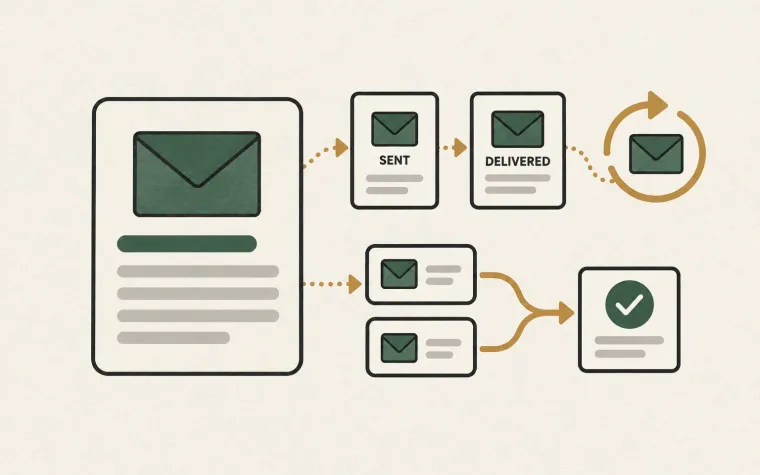
An event may arrive after the preference changes, including events associated with messages already submitted. The reporting pipeline needs a rule for that situation.
Decide which uses remain permitted under your policy, where events are filtered, and how retention is applied. Separate delivery operations from engagement analytics so an analytics preference does not accidentally disable bounce handling or incident diagnosis.
Make the event processor consult the relevant policy context instead of assuming every incoming payload belongs in every downstream system. Our webhook reliability guide covers durable receipt and retries; preference enforcement is an additional decision in processing, not a replacement for those safeguards.
Avoid promising that changing a toggle will retroactively remove all historical information unless every downstream store supports that behavior. Make deletion or retention workflows explicit and observable when your policy requires them.
Keep evidence without copying everything
Store enough information to explain why the application made a decision: the preference version, policy version, message category, evaluation time, and resulting controls. Restrict access to this record according to its purpose.
Logging every message body and webhook payload creates a second, easily forgotten data store. OWASP’s logging guidance supports recording meaningful application events while excluding or protecting sensitive data. Use stable internal references where they answer the operational question without duplicating message content.
When support asks why a message was tracked, the answer should come from the recorded decision and verified delivery configuration. Guessing from today’s account settings is unreliable because those settings may have changed since submission.
Test preference changes during real work
Exercise a scheduled campaign whose recipients change preferences after scheduling. Retry a job after a worker crash. Deliver a delayed engagement event. Switch a template version. Change a provider default in a test environment and confirm that your controls still behave as expected.
Give every test a concrete observable result: whether sending occurred, whether tracking was inserted, and whether the event entered the intended report. Include the settings page’s confirmation message in the review so it accurately describes the behavior.
The result should be one coherent policy across your sending pipeline, message content, and analytics. Use the SendMero documentation to verify the current integration controls before wiring your application’s preferences to a provider.