In this article
Email operations automation can assemble delivery timelines, investigate missing messages, and prepare resend plans. Start with repeatable diagnostics, then add controlled changes with scoped credentials, durable progress, and an audit record. Each send or configuration change needs a defined authorization rule.
When support asks why a receipt is missing, gathering application records, sending logs, and delivery events is a useful first workflow. Resending that receipt changes state and needs a separate decision. A useful tool should make the proposed action understandable before it makes that action easy to execute.
Resend’s September announcement, The Headless Dashboard Initiative, describes expanding programmatic access to dashboard operations. For an application team, the broader opportunity is to create repeatable workflows using the capabilities its providers actually expose. The patterns here are provider-independent and do not imply that SendMero offers a CLI, MCP server, or every administrative API described by another provider.
Start with one recurring question
Choose a narrow support or engineering task with a known input and useful output. “Explain the status of this receipt” is a better starting point than “automate email operations.”
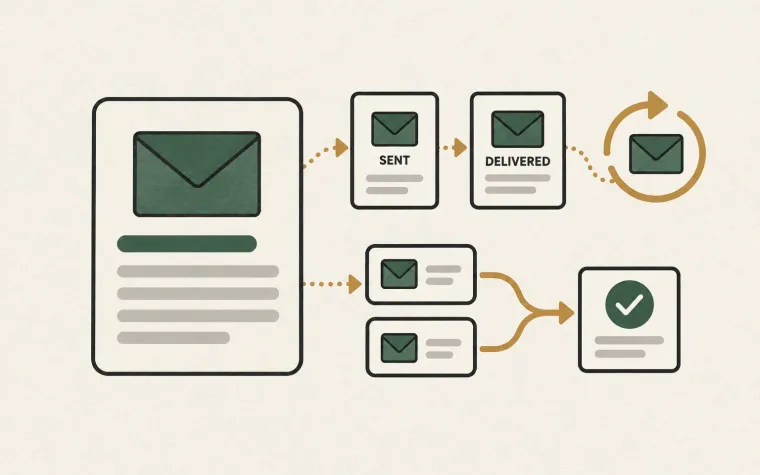
For a fictional commerce application, the input could be an order reference and the output a timeline:
Order confirmed
Receipt intent created
Template version selected
Submission attempted
Provider accepted message
Latest recorded delivery outcome
Include timestamps and identifiers from the underlying systems. Leave gaps visible. If the application knows a message was accepted but has no later delivery evidence, report that uncertainty instead of filling it with a reassuring label.
This first tool can be read-only. It should also limit the personal information shown: a masked destination and internal message identifier may be enough for routine investigation.
Classify operations by their effect
Use a small operation catalog that both engineers and support can understand:
| Operation | Typical control | Useful result |
|---|---|---|
| Inspect an email timeline | Authorized read access | Evidence with source timestamps |
| Prepare a resend candidate list | Read access plus business rules | A reviewable plan |
| Submit approved replacement messages | Scoped execution access and limits | Per-message outcomes |
| Change sender configuration | Configuration owner review | Recorded before-and-after values |
The appropriate control depends on the operation and your organization. A repeated read-only check need not interrupt a person each time. A send to real customers should have a defined authorization path, whether that is a pre-approved application rule or a specific reviewed request.
Document where that authorization comes from. A script name such as repair-email is not enough to tell a later reviewer what it was allowed to do.
Make the proposed change concrete
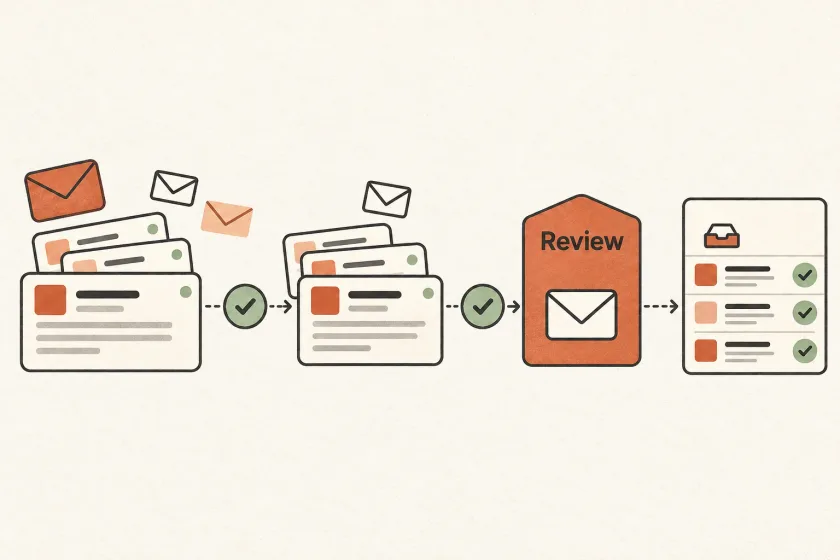
Suppose a template bug produced an incorrect invoice attachment. Before sending replacements, generate a plan containing the affected message identifiers, recipient eligibility, corrected template version, reason for replacement, and maximum number of sends.
Include exclusions and their reasons. Someone whose order was canceled may need different communication. A message that merely has no recorded open should not become a resend candidate. An unresolved submission timeout needs reconciliation before a new attempt is created.
Give the plan a version and bind execution to that exact version. If the audience or template changes after review, produce a new plan. Otherwise a person may approve one set of messages while the job executes another.
Set an expiry on plans whose eligibility can go stale. The execution worker should still recheck current suppression and relevant application state before submitting each message.
Keep credentials aligned with the job
Use distinct service identities where your infrastructure and provider support them. A diagnostic job should not inherit the same credentials as an administrative task just because copying an environment file is convenient.
OWASP’s Secrets Management guidance recommends controlled access, auditable secret use, and lifecycle management. Apply those principles by documenting each credential’s owner, purpose, storage location, and rotation procedure.
If a provider cannot scope a key as narrowly as you need, compensate in your application: restrict the worker’s accepted operations, isolate its runtime, and avoid distributing the credential to interactive users. State that limitation in the tool’s operational documentation rather than assuming a broad key is harmless.
Never print a credential to prove that a configuration is present. Record a non-secret credential identifier or configuration version instead.
Design for interruption and partial completion
Operational jobs stop halfway. A deployment restarts a worker, a request times out, or an operator pauses execution after seeing an unexpected result. Store progress durably so restarting does not repeat every completed action.
Keep a stable intent for each proposed customer message and a separate history of submission attempts. If the transport outcome is uncertain, mark it uncertain. Reconcile against available application and provider evidence before deciding to retry.
Provide a pause control that prevents new submissions. Be clear that pausing a job cannot withdraw email already accepted for delivery. This boundary matters when an operator expects a stop button to undo work that has already left the application.
The same principles apply to onboarding sequences: cancellation should stop pending work, and a restart should not create another journey accidentally.
Make the audit record useful without storing everything
For each action, capture the actor or service identity, request identifier, plan version, decision, time, and resulting message identifiers. Record why an action was skipped as well as why it ran.
Avoid making the audit trail a second inbox full of message bodies and secrets. OWASP’s Logging Cheat Sheet discusses excluding sensitive data such as access tokens and authentication passwords. Choose fields that answer operational questions without unnecessarily duplicating customer content.
Test the tool with duplicate requests, expired plans, missing events, and a worker restart after submission. Ask another teammate to explain a completed run using only its records. If they cannot tell what happened, improve the evidence before expanding the automation.
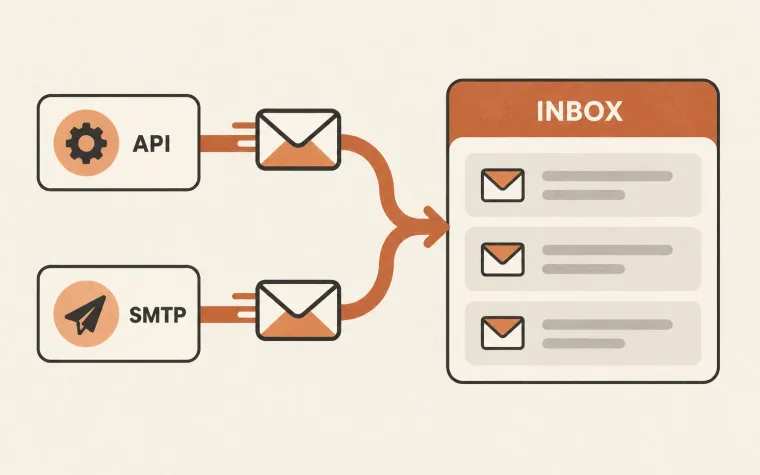
Start with delivery integrations documented by your provider. For SendMero, use the API and SMTP documentation and available message logs or webhook events as inputs to your application-owned workflow. Add automation one well-defined operation at a time.