In this article
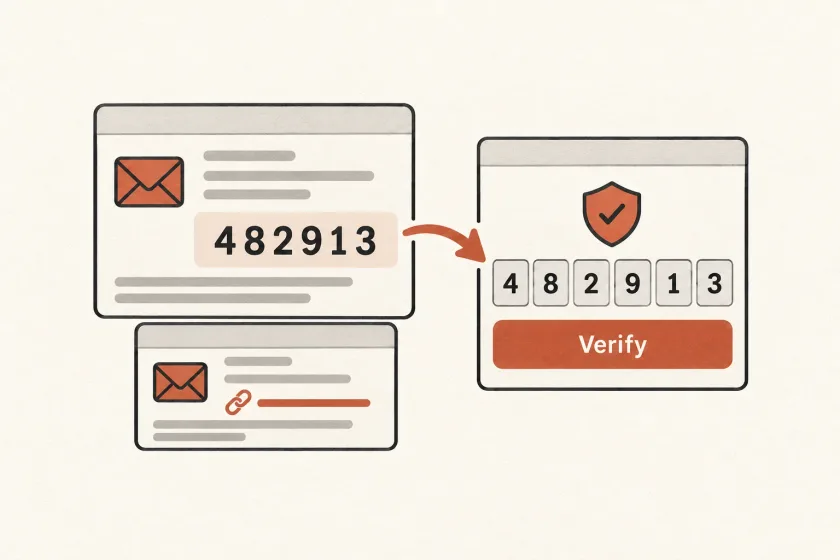
An email verification flow checks that a person can access an address. Codes let them complete verification in the original app while reading email on another device; links offer a direct path from the inbox to a browser. Both need secure challenges, expiry rules, and recovery when a message arrives late.
Design for completion across those boundaries. A person should understand what is being verified, which address is involved, and how to recover from an expired or superseded attempt.
The topic is evolving. Resend’s August article, The Email Verification API, explores verification within the browser. That makes a resilient baseline even more valuable: new mechanisms can improve an existing journey without becoming the only way through it.
Decide what verification proves in your product
Separate three questions in your data model: is the address syntactically acceptable, has the user demonstrated access to it, and may you send this category of message? Treat these as different decisions rather than one valid_email flag.
For a fictional project-management app, address verification might permit invitations to reach the workspace owner. It should not silently enroll that person in promotional updates. Likewise, verifying an address is not automatically the same as authorizing a password reset, changing an account’s owner, or creating a full login session.
Record the purpose and address associated with each verification challenge. If the person edits the address, create the appropriate new challenge; do not apply the old result to the replacement address.
Keep that verified address separate from the account’s stable identifier. The guide to handling email address changes explains how to preserve account history while updating the destination.
Choose the interaction around the user’s devices
| Flow | Useful when | Friction to design around |
|---|---|---|
| Typed code | The application stays open while email is read elsewhere | Copying, transcription, and attempt limits |
| Verification link | A direct transition from inbox to browser is convenient | Different browser sessions and expired links |
| Browser verification | Supported browser and mailbox combinations can complete the exchange | Availability, changing implementations, and fallback |
For a desktop application whose users read email on phones, a code can keep completion in the original app. For a web subscription form, a link may be simpler. Neither choice removes the need to handle retries and delays.
If you provide both a code and a link, define whether they redeem the same challenge. A successful action through one should not leave the other usable indefinitely. Test that relationship explicitly.
Make a challenge a durable application object
Store enough state to make the verification decision explainable: purpose, account or pending signup identifier, target address, creation and expiry time, attempt count, and consumed status. The usable secret should not appear in ordinary logs.
For reset flows, OWASP recommends cryptographically generated secrets, secure storage, single use, expiration, and controls against automated abuse. Its Forgot Password Cheat Sheet also recommends consistent responses to avoid revealing account existence. Apply those principles with the assurance requirements of your specific verification purpose.
Keep token redemption atomic in your database so two concurrent requests cannot both consume the same challenge. A read followed later by an unrelated update leaves a race. The email provider transports the message; your application owns the verification state and authorization decision.
For links, use a trusted application origin and avoid carrying secrets into analytics events or third-party page resources. Review the full navigation path, including redirects, rather than checking only the URL created by the mailer.
Define what happens after resend
Consider a person who requests a message twice because the first one is slow. Both emails arrive, but in reverse order. If your system only accepts the newest challenge, the error should explain that a newer message exists and show a deliberate route to request another.
Choose the resend policy before writing the template. Options include reusing a still-valid challenge or replacing it and invalidating the earlier one. Each has tradeoffs around exposure time, user confusion, and implementation complexity. Keep resend throttling independent from the remaining verification attempts so repeated clicks cannot reset an attacker’s guessing allowance.
Use a visible cooldown and a clear address-edit action. Do not make the recipient wait through repeated email attempts when the displayed address contains an obvious typo. When the address changes, show the new destination and avoid leaking the previous challenge into the new flow.
Keep browser verification as an enhancement
Chrome’s August 2026 update describes an origin trial, revised token parsing guidance, and protocol changes. Its trial introduction describes Gmail participation and fallback to confirmation email when verification cannot complete. This is experimental capability, not a universal replacement for verification messages.
An application can offer it to an eligible test population while retaining the same underlying challenge or verification-result model. Validate the returned proof on the server with current protocol guidance. A hidden form field containing a token is not, by itself, a verified address.
If the browser flow is unavailable or fails, continue to the established email flow. Distinguish “no browser proof available” from “invalid proof received” in internal telemetry, while keeping the user-facing recovery clear. Do not mark an address verified merely to avoid showing an error.
Test the paths that make people contact support
Use a short journey matrix before launch:
- Open the link on a different device from the signup page.
- Request twice and deliver the messages in reverse order.
- Redeem a challenge twice, including concurrent requests.
- Edit the address while an older message is still pending.
- Let the challenge expire before opening the email.
- Disable the experimental browser path and complete the fallback.
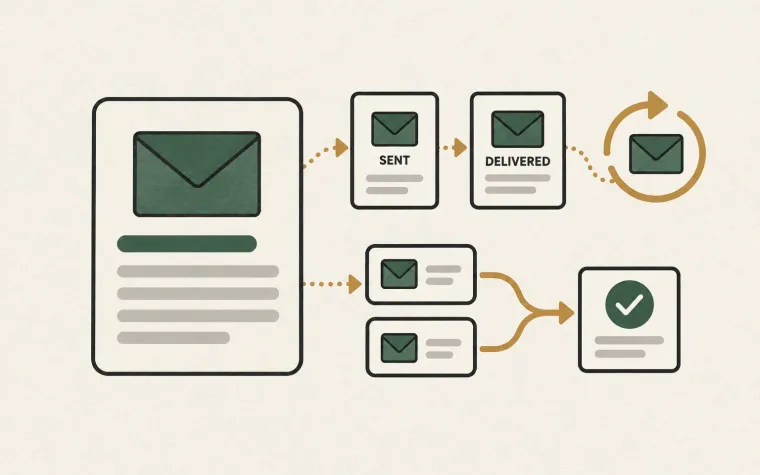
Measure completed verifications and the reasons attempts stop. A delivery event is useful transport evidence, but it does not prove that the recipient finished the application task.
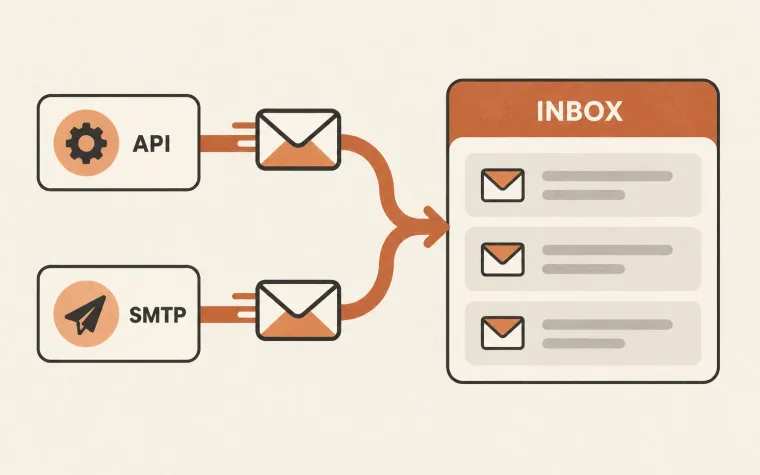
Make the email itself accessible and easy to act on. Then use the SendMero API or SMTP documentation to connect message delivery while keeping challenge generation, expiry, and redemption in your application.