In this article
A customer requests a password reset just as your team launches a newsletter. If both messages enter the same unbounded queue, the reset can wait behind thousands of promotions. Even with perfect delivery infrastructure, the application has given the customer’s urgent request the wrong priority.
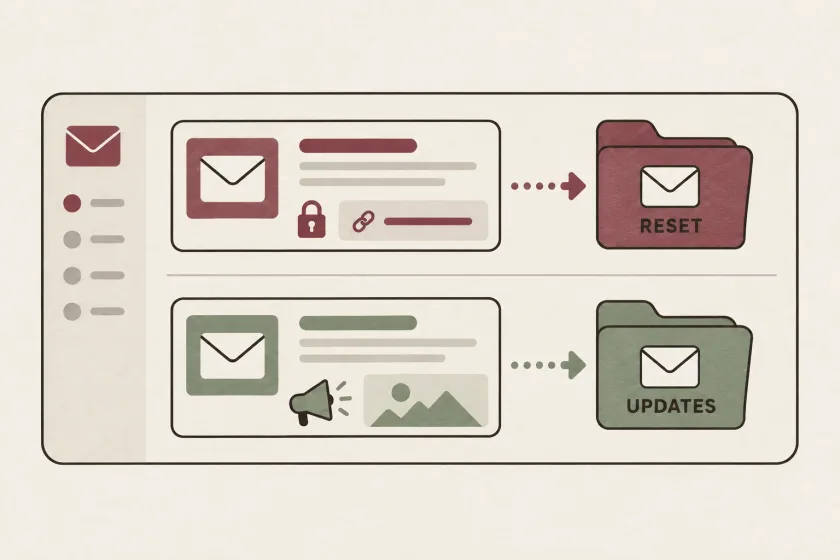
Transactional and marketing email streams need different sending policies because their purposes, deadlines, audience expectations, and failure responses differ. Separate queue capacity, recipient rules, and monitoring make those differences visible in code and operations.
SendGrid’s transactional and marketing email comparison distinguishes messages responding to an existing action from messages intended to encourage a new one. That is a useful starting point, but a production system needs a more specific policy than two labels.
Write a message inventory before changing infrastructure
List every message your application sends. For each one, identify its trigger, recipient, useful lifetime, preference rule, and operational owner.
Here is an illustrative inventory for a small project-management application:
| Message | Trigger | Useful lifetime | Owner |
|---|---|---|---|
| Password reset | A user’s explicit request | Until the token expires | Identity team |
| Workspace invitation | An administrator invites a colleague | Until invitation expiry or cancellation | Collaboration team |
| Invoice receipt | A recorded payment | Long enough to support reconciliation | Billing team |
| Product newsletter | An editorial campaign | Until the campaign loses relevance | Marketing team |
These are design examples, not universal deadlines. Your product should define the actual values. The exercise often reveals a forgotten onboarding reminder or a background export notification with no clear owner.
Keep promotional content out of messages whose main purpose is an urgent account action. It complicates classification and makes the message harder to understand when someone simply needs to sign in.
Separate queue capacity and retry policy
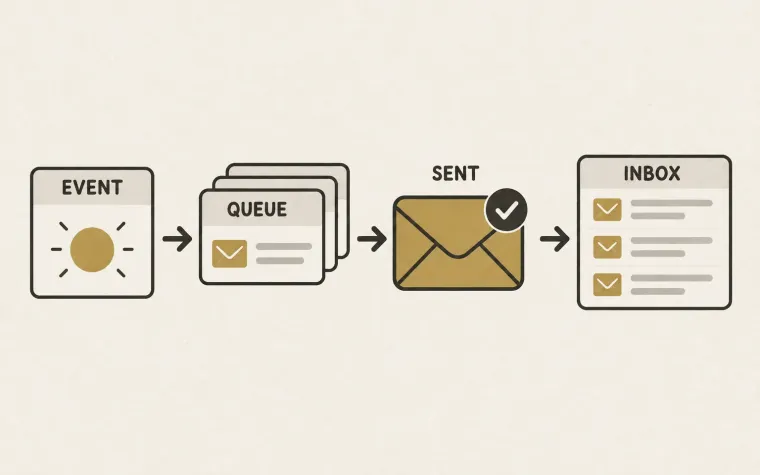
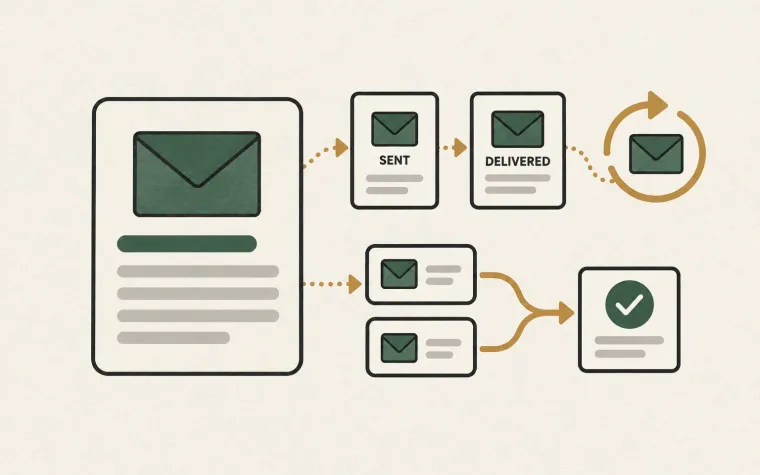
Give urgent account messages their own execution capacity or an explicit scheduling policy that protects their deadline. A queue name alone provides no protection if every queue still competes for the same saturated worker pool.
For each stream, decide how many jobs can run, how rate limits are shared, and when old work should expire. A password-reset job that becomes runnable after its token expires should be cancelled or replaced through a deliberate product flow. Sending it anyway creates a confusing experience.
Marketing work can often pause during an incident. Account recovery may need immediate attention. Encode that choice in the control plane: operators should be able to stop a campaign without disabling every customer notification.
Watch shared dependencies as well. Separate workers still depend on databases, template rendering, credentials, and the provider account. Allocate capacity at the bottleneck you actually have rather than assuming two queues create full isolation.
Separate identity thoughtfully
Your message inventory can also guide sender addresses, subdomains, and provider configuration. Consistent identities help customers recognize what each message is for and help your team investigate a particular stream.
Choose names that remain understandable outside the engineering organization. A receipt from a recognizable billing identity is easier to explain than one from an internal service name. Keep reply handling intentional: a customer replying to a receipt should reach a useful destination or receive a clear explanation.
If you are adding a logo beside that sender identity, compare Apple Branded Mail and BIMI separately from your queue design. A recognizable sender and an urgent message getting its turn are different parts of the experience.
Treat domains and IP addresses as operational choices, not automatic protection. Mailbox providers evaluate multiple signals; changing a subdomain does not erase the consequences of poor sending behavior. Dedicated infrastructure also introduces work around configuration, monitoring, and volume planning. Start with logical separation, then choose physical separation when your requirements justify it.
Keep preferences and suppressions explicit
A newsletter unsubscribe and an invalid mailbox are different facts. Your data model should preserve the distinction so one category’s preference does not accidentally become every category’s rule.
For example, store a person’s newsletter preference separately from the application’s knowledge that their address is undeliverable. Define how each message category consults those records before sending. Do not let a developer bypass a recipient restriction simply by relabeling a campaign as transactional.
Google’s sender guidance specifically requires one-click unsubscribe for marketing and subscribed messages from senders subject to its bulk-sender requirements. The full conditions belong in the current Gmail sender guidelines. Your stream design should make it straightforward to apply the appropriate message policy consistently.
Our guide to tracking preferences covers a related distinction: permission to send a category of email and settings controlling how that email is measured should not collapse into one application flag.
Measure each stream against its purpose
A blended dashboard can hide a serious problem. A successful newsletter campaign does not compensate for a slow password-reset workflow.
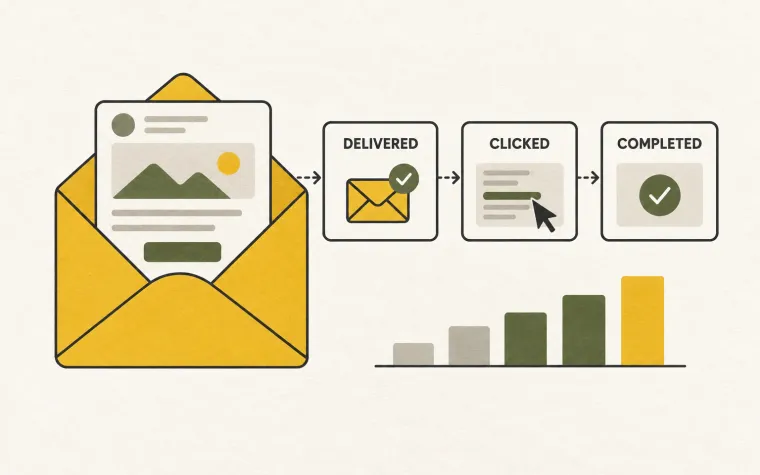
For account recovery, measure the time from user request to submission, the share of expired jobs, and the number of people requesting another message. For receipts, inspect missing-message reconciliation and support escalations. For campaigns, examine recipient responses and unsubscribes alongside the intended business result.
Set alerts that identify the affected stream and responsible owner. “Email is unhealthy” sends everyone searching. “Password-reset queue age exceeded the token budget” tells the on-call engineer what is at risk.
Migrate one boundary at a time
Begin by tagging existing message types in application records and observing their queue age and outcomes. Then introduce separate scheduling or worker capacity for the most time-sensitive category. Verify that pause controls, dashboards, and recipient rules work before moving the remaining traffic.
Do not send a second real message merely to compare old and new routes. Use controlled test recipients, or compare the planned routing decisions without submitting the duplicate. Retain a rollback path that changes future job routing without replaying already accepted messages.
The goal is a system in which urgent work stays urgent and each team can explain its sending behavior. Build that policy into your sending pipeline, then consult the SendMero documentation for the integration details needed to implement your chosen boundaries.