In this article
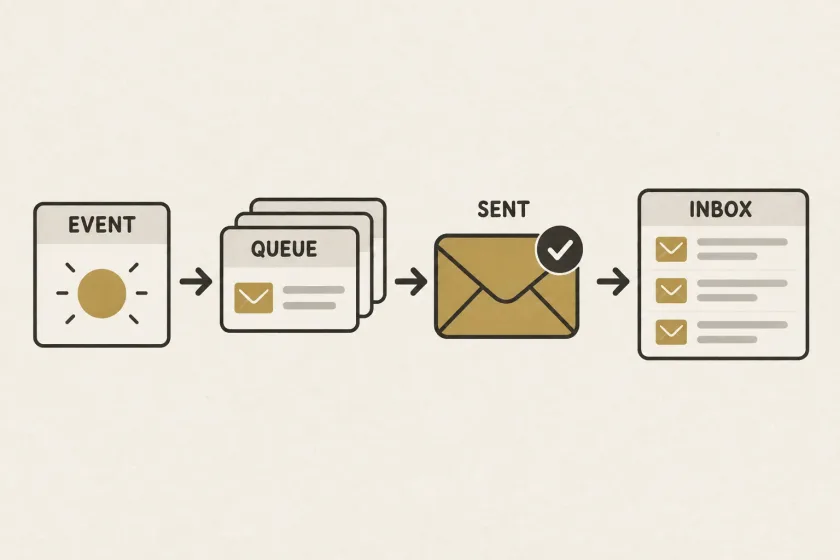
An event-driven email pipeline turns product events into message intents, checks whether each message is still useful, and submits eligible work for delivery. Reliability depends on durable state, duplicate handling, and expiry rules as well as transport.
A teammate accepts a workspace invitation. Five minutes later, an already-queued reminder arrives asking them to accept it. The email service may have delivered exactly what it was asked to deliver. The mistake happened earlier: the application treated an old event as a permanent instruction to send.
Twilio’s recent article on connecting customer intelligence to engagement describes using customer context to drive communication, including email. You can apply that principle in a small application without beginning with a large data platform.
Separate an event from a message decision
An event says something happened: a workspace was created, an invoice was paid, or an export finished. A message decision says whether that fact should produce an email for a particular person.
Preserve this distinction in your model. One event might produce no messages, several messages, or a message that becomes unnecessary before sending. A message might also summarize several events, as in a daily activity digest.
For a fictional workspace invitation, record the invitation identity and creation event. A policy can decide to send the initial invitation now and consider a reminder later. Avoid scheduling a reminder as an immutable command containing a fully rendered email weeks in advance.
Record intent alongside the business change
The application can fail between saving a business action and telling a background worker about it. The reverse order is also dangerous: a worker might receive an instruction for a business change that never committed.
The transactional outbox pattern addresses this dual-write problem by recording an event alongside the business change in one database transaction, then relaying it asynchronously. It still requires consumers to handle duplicate processing.
Here is provider-independent pseudocode for an invitation workflow:
transaction:
    invitation = create_invitation(workspace, invited_address)
    insert_outbox_event(
        type = "invitation_created",
        business_id = invitation.id,
        event_id = new_event_id()
    )

relay_committed_events_to_worker()
Keep the transaction local to the database. The email provider does not participate in that commit. A worker later decides how to handle the committed event and records a separate message intent.
Give each intended message a stable identity
An event identity and a message identity answer different questions. The first distinguishes product events; the second distinguishes communications you intend to send.
For an invitation, an application-level uniqueness key might combine the invitation ID, message purpose, recipient, and reminder sequence. Enforce uniqueness where message intents are stored so concurrent workers cannot each create the same intended reminder.
Choose the key around the business meaning. Including the current template version would make a template edit look like permission to create another copy. Using only the recipient address would incorrectly merge unrelated invitations.
A unique intent prevents duplicate scheduling inside your application. It does not, by itself, guarantee that an external provider submits only one message after a network timeout. Track submission attempts separately and use documented provider idempotency or reconciliation capabilities when available.
Recheck eligibility close to submission
Before sending an invitation reminder, load the current invitation state. Has it been accepted, cancelled, replaced, or expired? Is the workspace still active? Is the intended recipient still correct?
For the reminder example, define explicit outcomes:
| Current state | Suggested application decision |
|---|---|
| Invitation pending and within reminder window | Prepare the reminder |
| Invitation accepted | Skip with reason already_accepted |
| Invitation cancelled or replaced | Skip with the corresponding reason |
| Reminder window ended | Expire the message intent |
These are illustrative rules your product would own. Recording a skipped decision is useful: support can distinguish a deliberate cancellation from a worker that never ran.
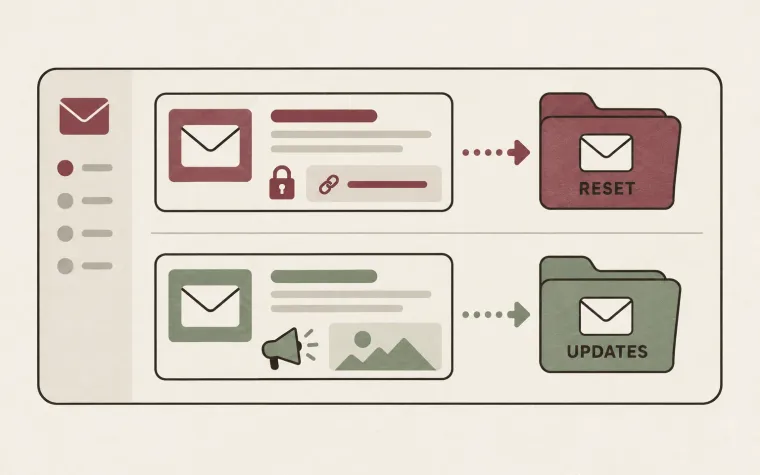
Also apply current recipient restrictions and preferences. Our guide to tracking preferences explains why a previously prepared audience or job should not silently freeze a person’s later choices.
Decide which data is historical and which must be current
Not every field should be reloaded indiscriminately. A receipt should reflect the relevant transaction, while a reminder should reflect the current invitation state. Write that distinction down for each message type.
Store or reference immutable business facts needed for accurate content. Fetch current eligibility and routing data at the appropriate boundary. Record the template version used so the team can explain what was rendered without assuming today’s template matches yesterday’s email.
Be careful with links and tokens. A delayed job should not send a link that became invalid while waiting. Decide whether to expire the job, regenerate through an authorized product flow, or ask the user to request a fresh action. Do not let a generic retry loop extend access-token lifetimes accidentally.
Make retries respect usefulness
Different failures deserve different actions. A temporary connection failure may justify a later attempt. Invalid content requires correction. An unknown submission outcome requires investigation or the provider’s documented deduplication behavior. A now-irrelevant reminder requires cancellation.
Give each intent an expiry or review rule appropriate to its purpose. Bound retries by both attempt policy and usefulness. A successfully delivered reminder after the relevant deadline is still a product failure.
Keep urgent work from competing blindly with campaigns. Separate sending streams let you express different deadlines and pause policies without spreading those decisions throughout application code.
Trace one message from event to outcome
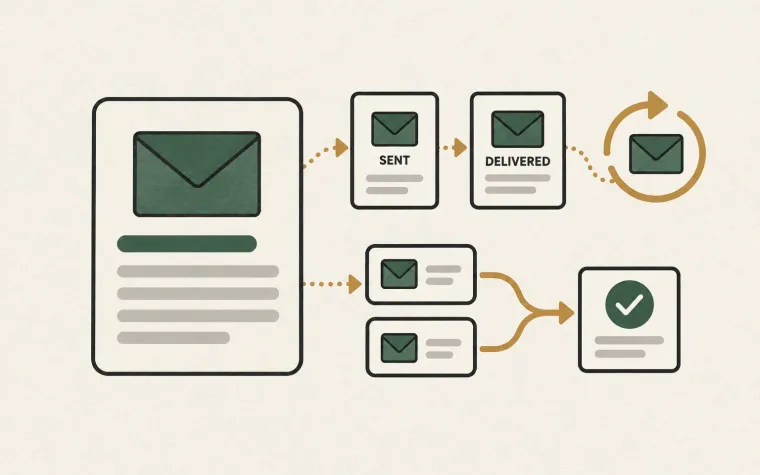
A practical investigation should follow the business event, message decision, rendering version, submission attempt, provider reference, and later delivery observations. Use identifiers to connect those stages rather than duplicating full message bodies across logs.
Test the full sequence with controlled recipients: crash after the business commit, replay the event, accept the invitation before the reminder runs, and simulate an uncertain submission. Inspect the resulting decisions and actual sends.
Start with one message type and make its lifecycle explainable before generalizing the pipeline. The SendMero documentation can help you connect the final submission and event-handling stages once your application’s message policy is clear.