
In this article
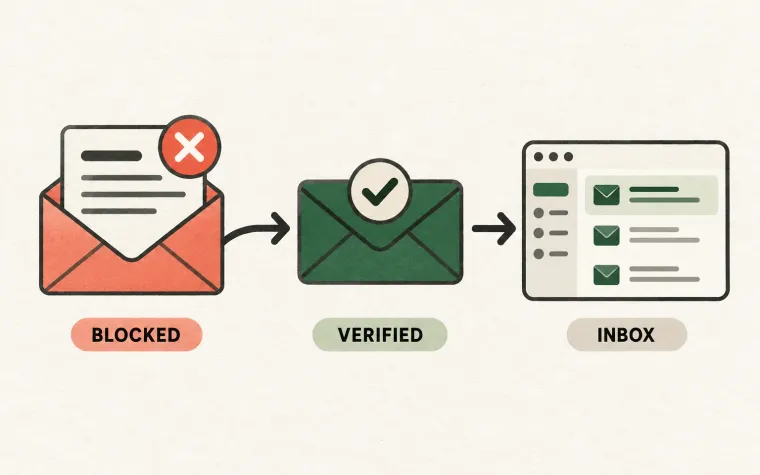
An email marked delivered can still be absent from a Gmail inbox: a receiving-server handoff does not establish inbox placement. Check the original recipient, Spam and Trash, filters, forwarding, and authentication before sending another copy.
The next step is to establish what your provider’s status means and which message the customer is looking for. Repeatedly resending the same email adds noise before it adds evidence.
For example, SendGrid defines a delivered event as successful delivery to the receiving server in its event reference. That definition does not establish a particular folder placement or prove that the recipient saw the message. Check the corresponding definition for the service you use.
First, identify the exact message
Start with a small investigation record: the application action, intended recipient, submission time and timezone, message identifier, provider identifier, sending identity, and latest relevant event.
Confirm the recipient address against the original action rather than the current profile alone. A person might update their email address after requesting an invitation. An alias may point somewhere unexpected. A support ticket may concern yesterday’s message while the dashboard is showing today’s resend.
Suppose a fictional customer, Maya, requests an export at 09:10. At 09:12, she changes her account email. At 09:15, she tells support that no export arrived. The first useful question is which address the export job actually used. Changing DNS or escalating to Gmail would not resolve that mismatch.
Keep sensitive message content out of routine support notes. An identifier, timestamp, and category usually provide a better investigation trail than pasting an entire receipt or account-access link.
Reconstruct the handoffs
Create a timeline instead of relying on a single status badge:
| Observation | What it helps establish | What remains unknown |
|---|---|---|
| Application created the job | The action reached your sending workflow | Whether it was submitted |
| Provider accepted submission | The provider received the request | The eventual receiving-server outcome |
| Receiving server accepted mail | A downstream handoff succeeded | Folder placement and human attention |
| Recipient locates the message | The person can access that copy | Whether other messages have the same issue |
Look for later events associated with the same message, including delayed failures. Preserve the event history rather than presenting an earlier success as the complete story. If the timeline stops at your own queue, you have an application problem to solve before investigating inbox placement.
Help the recipient search carefully
Give the person the recognizable sender name, sender address, subject, and approximate time. Ask them to search all relevant mailbox locations, not just the Primary tab.
Google’s missing-message guide recommends searching Mail, Spam, and Trash and reviewing filters and forwarding settings. These checks can explain messages that are present but hidden from the expected view.
Avoid a long generic checklist in the first support reply. A useful response might be: “The export was sent to your previous address at 09:11. Please check that mailbox for the subject ‘Your export is ready,’ including Spam and Trash. We can generate a new export for your current address if needed.”
For a work account using Google Workspace, involve the recipient’s administrator when necessary. The administrator may have organization-specific routing or policy controls that an end user cannot inspect. Confirm whether the destination is a personal Gmail account or a managed work mailbox before choosing the escalation path.
Check authentication on a representative copy
If the address and message history are correct, inspect authentication results from an actual received copy sent through the same route. A test from another environment or another sender domain may not represent production.
Google requires SPF or DKIM for all senders to personal Gmail accounts, and SPF, DKIM, and DMARC for senders subject to its bulk requirements. Its guidance also covers alignment, TLS, and message formatting. Use the current sender requirements to check the applicable conditions rather than treating one passing DNS lookup as a complete audit.
Record the result and relevant sending configuration. If the production message fails authentication while your test passes, compare routes and identities. A recent infrastructure change may have affected only one message category.
Passing authentication is useful evidence, but it does not justify promising inbox placement. Keep that distinction visible in both your engineering notes and customer-facing status.
Decide whether this is one mailbox or a wider incident
Compare affected messages with a relevant baseline: the same message type, sending identity, and receiving domain before the problem started. Then ask what changed.
Did the issue begin after a template update? Does it affect one customer organization? Did a campaign launch coincide with slower account messages? Are reports concentrated in one route? These questions help narrow an investigation without inventing certainty from a small sample.
SendGrid’s guide to sending email to Google connects authentication, reputation signals, and mailbox-provider diagnostics. Use those signals to build a hypothesis, then change one relevant variable at a time. A seed mailbox test can provide a useful observation; it cannot represent every recipient’s mailbox experience.
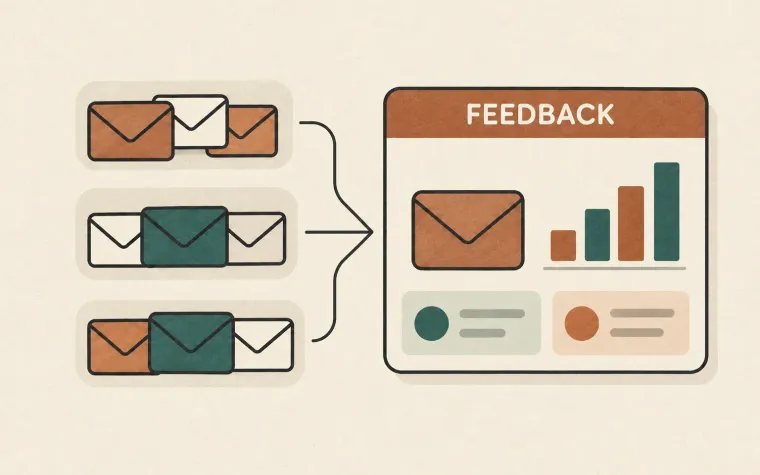
Our APRF explainer examines a proposed source of aggregate mailbox feedback. Its draft status and coverage limits matter: prospective reporting should not replace the evidence available for this missing message.
Escalate with a bounded evidence package
When provider support is needed, supply message identifiers, timestamps with timezone, the destination domain, sanitized response details, affected volume, and recent changes. Explain whether the recipient searched other folders and whether the same route works for controlled test addresses.
Do not include passwords, live access tokens, or unnecessary customer content. Keep the original evidence available through an appropriate restricted channel if support requests it.
After resolving the incident, improve the point where uncertainty slowed you down: better identifiers, a clearer event timeline, or stronger separation between sending streams. For SendMero integrations, start with the documentation to understand the available sending and event records before building your support workflow.