In this article
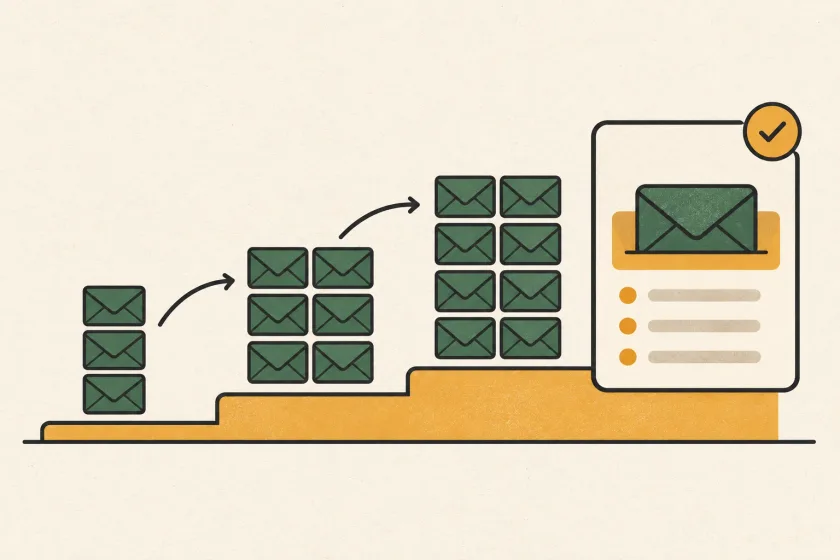
To increase email sending volume, start with small cohorts of recipients who expect your messages, keep authentication stable, and monitor delivery responses before raising the pace. Reduce or pause sends when deferrals, complaints, or queue delays rise. There is no universal ramp-up schedule that fits every sender.
A product launch may add waiting-list invitations and announcements to a system that normally sends account confirmations and receipts. Plan those streams separately and preserve urgent traffic. A rollout record gives you something more useful than a calendar promising that a domain will be ready on a particular day.
The distinction matters as synthetic engagement comes under scrutiny. Resend’s September article, Warmup Services Harm Your Deliverability, highlights this issue. Validity’s Heatwave lookup explicitly checks for associations with synthetic reputation warming and unsolicited outreach. A controlled increase in wanted email serves a different purpose: learning how your real sending system behaves under growth.
Start with the traffic you already have
Before choosing batch sizes, write down the current traffic by purpose and recipient domain. Keep signup confirmations separate from product announcements and billing notices. Record the usual send windows, recent recipient activity, and where the addresses came from.
Google’s sender guidelines recommend consistent sending, gradual increases, and monitoring server responses as volume changes. Use that principle to build a baseline specific to your application. A universal doubling schedule cannot account for a new domain, an established list, or a mailbox provider that is already deferring messages.
For a fictional scheduling app, the initial inventory might look like this:
| Stream | Why the recipient expects it | Rollout decision |
|---|---|---|
| Booking confirmations | The recipient just made a booking | Preserve normal priority |
| Release announcement | The recipient subscribed to product updates | Send in reviewed cohorts |
| Old event attendee list | Permission for this message is unclear | Exclude until resolved |
This is an eligibility decision before it is a throughput decision. Do not use an uncertain list simply because it makes the planned volume easier to reach.
Check the sender identity before adding load
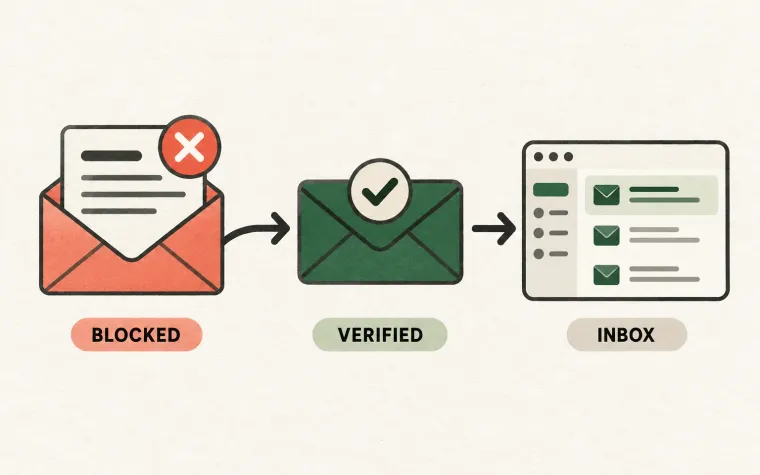
Send representative messages through every production path, including older applications that use SMTP. Inspect the authentication results on received messages. A successful test from one service does not validate a separate billing tool or a newly configured From address.
Give each sending domain a named owner and record which systems use it. If that inventory is incomplete, work through the DMARC rollout checklist before treating a DNS record as proof that the whole organization is ready.
Keep authentication changes and volume changes in separate rollout windows when practical. If both change together, a new failure becomes harder to attribute. Save the previous configuration and the start time of each change so the incident record has a useful comparison point.
Choose cohorts with a clear reason to receive the message
Suppose the scheduling app has a product-update audience. Begin with a small eligible group whose subscription is recent and whose use of the product makes the announcement relevant. Keep the content and sender identity stable while evaluating that group.
Then decide whether to widen the audience, increase the sending pace, or hold. Change one of those dimensions at a time. Increasing pace while adding much older recipients obscures whether a problem comes from load or audience quality.
Define cohorts in the application using reproducible criteria. Save the query version or a snapshot of recipient identifiers. A label such as “active users” is insufficient if its meaning changes halfway through the rollout.
Also preserve exclusions at send time. Someone who unsubscribes after the audience snapshot must not receive the announcement because an old export still includes them. The same applies to addresses your system has suppressed following a permanent delivery failure.
Write the pause rules before the first batch
Use a short decision sheet that an on-call engineer and a campaign owner can both understand:
| Observation | Immediate response | Evidence needed to resume |
|---|---|---|
| Authentication failure on a new path | Hold that path | A corrected configuration and received test |
| Increased deferrals concentrated at one provider | Reduce or pause the affected stream | Receiver responses and queue age returning toward baseline |
| Unexpected complaints from a cohort | Stop further sends to that cohort | Review of audience origin, expectations, and message content |
| Queue growth delays booking confirmations | Pause discretionary announcements | Urgent traffic recovers and capacity is understood |
Set numerical thresholds from your own baseline and provider requirements before launch. Record both counts and rates: a percentage without its denominator is easy to misread. Avoid changing the thresholds during a rollout merely to keep the schedule moving.
Make the queue respect urgency
An announcement can wait; an account-access email usually cannot. Give discretionary work a separate queue or a bounded allocation of workers so it cannot consume all sending capacity. Put an expiry time on time-sensitive jobs so a delayed reminder does not arrive after its purpose has disappeared.
Have one component own each retry decision. Otherwise an application retry, a queue retry, and a transport retry can multiply the same intended message. Your send ledger should distinguish a planned message from each attempt to submit it.
Do not repeatedly resubmit messages simply to make a delivery chart look healthier. Investigate the reason for failure and respect permanent recipient failures. A pause that identifies a bad cohort is a useful result, not a failed rollout.
Keep a record that helps the next launch
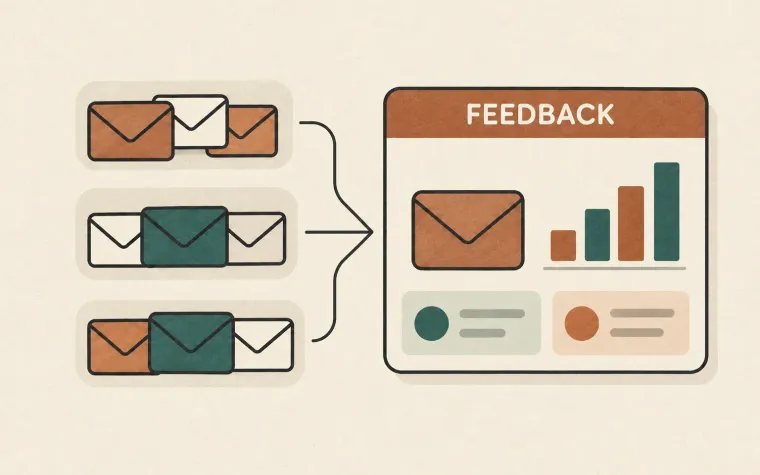
After each stage, capture the eligible audience, actual sends, receiver responses, complaints, queue delay, and the decision taken. Note uncertainties alongside conclusions. “No issue observed in this cohort” is a more useful statement than “the domain is warmed.”
Use that record when planning the next increase, particularly after a long quiet period or a major audience change. Reputation is not a one-time setup task. It depends on the continuing relationship between your sending behavior and the people receiving it.
SendMero supports application email through API and SMTP. Explore the email infrastructure features and keep the rollout decisions in the system that knows your users, priorities, and consent history.